The contents of this course are derived from the Asynchronous JavaScript Crash Course located on The Codevolution YouTube Page.
While this is not a completely exhaustive list, what follows is an extensive list of topics to get beginners going. I found a lot of value in the crash courses when I was first beginning to code and took extensive notes as I followed along. So, in coder fashion, I made websites out of the content and depoyed them through Netlify
You can find the GitHub Repo with all of the code Here
In its most basic form, JavaScript is a synchronous, blocking, single-threaded lanauge.
Meaning...code executes from the top down, with only one line executing at any given time.
JavaScript alone is not enough
We need new aspects which are outside of JavaScript to help us write asynchronous code, which is where web browsers come into play.
Web browsers define functions and APIs that allow us to register functions that should not be executed synchronously, and hsould instead be invoked asynchronously when some kind of even occurs
For example. that could be the passage of time (setTimeout or setInterval), the user's interaction wiht the mouse (addEventListener), or the arrival of data over the network (callbacks, Promises, async-await)
You can let your code do several things at the same time without stopping or blocking your main thread.
These are the traditional methods that JavaScript has available for running code asynchronously
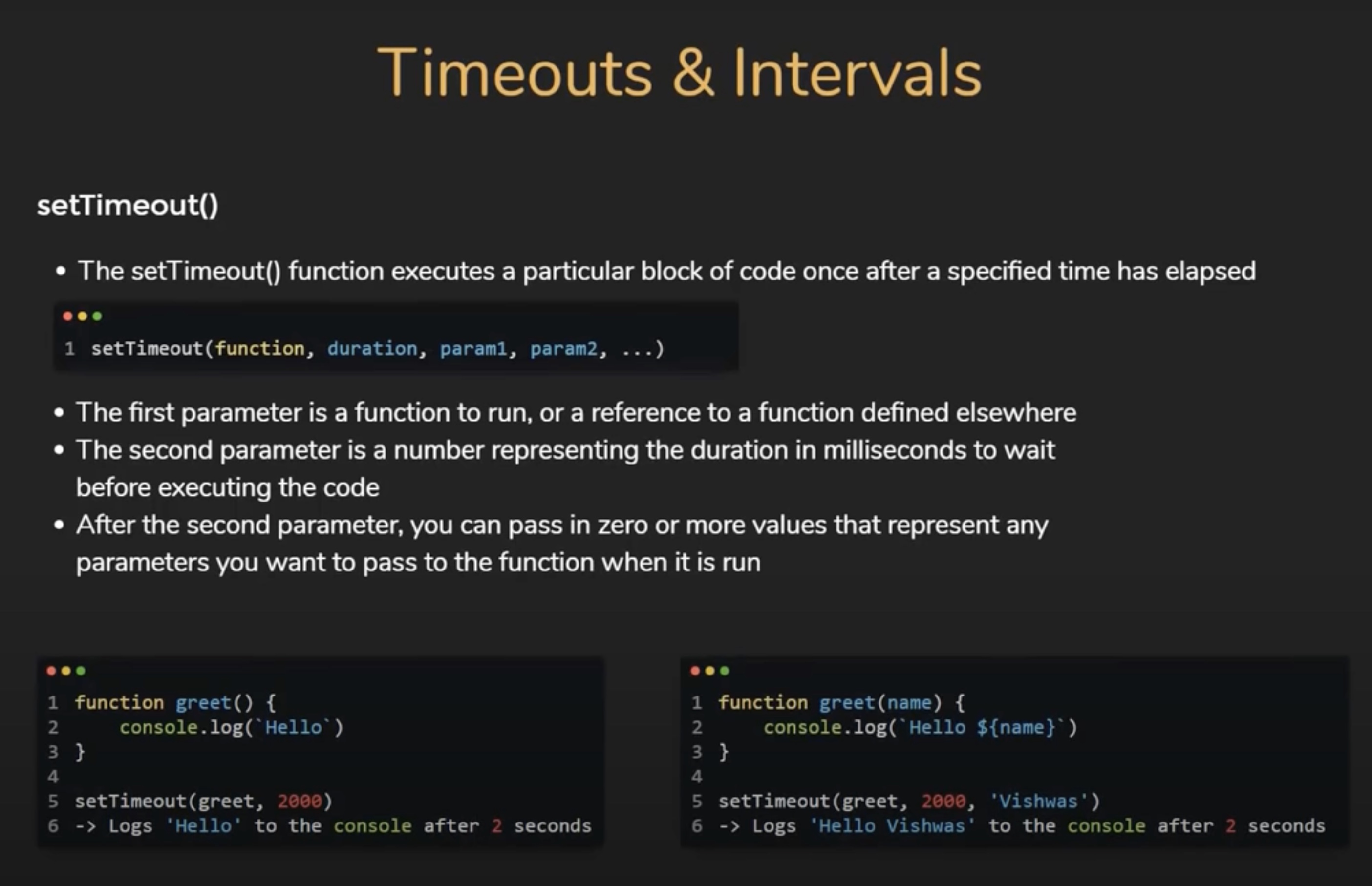
The setTimeout() function executes a particular block of code once after a specified time has elapsed.
Parameters that the setTimeout() function accepts:
Sometimes you may want to cancel or clear a timeout.
To clear a timeout, you can use the clearTimeOut() method, passing in the identifier returned by setTimeout as a parameter.
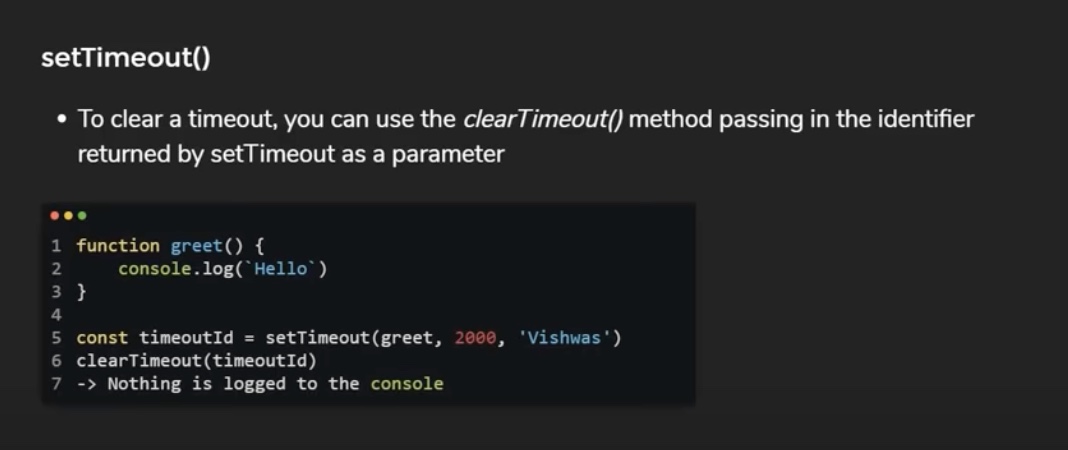
In the image above, you can see that we assigned the return value from setTimeout to a constant called timeoutId. On line 6, we pass thatId into the clearTimeout method, which will basically ensure our grid function will not run after the two second duration. So, nothing is logged to the console as the grid function never executes.
A more practical sceario is clearing timeouts when the component is unmounting to free up the resources and also prevent the code from incorrectly executing on an unmounted component.
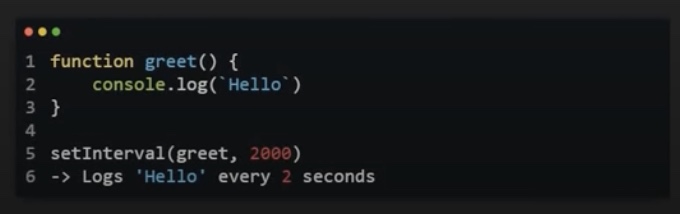
The setInterval() function repeatedly runs the ame code over and over again at regular intervals.

Parameters that the setInterval() function accepts: